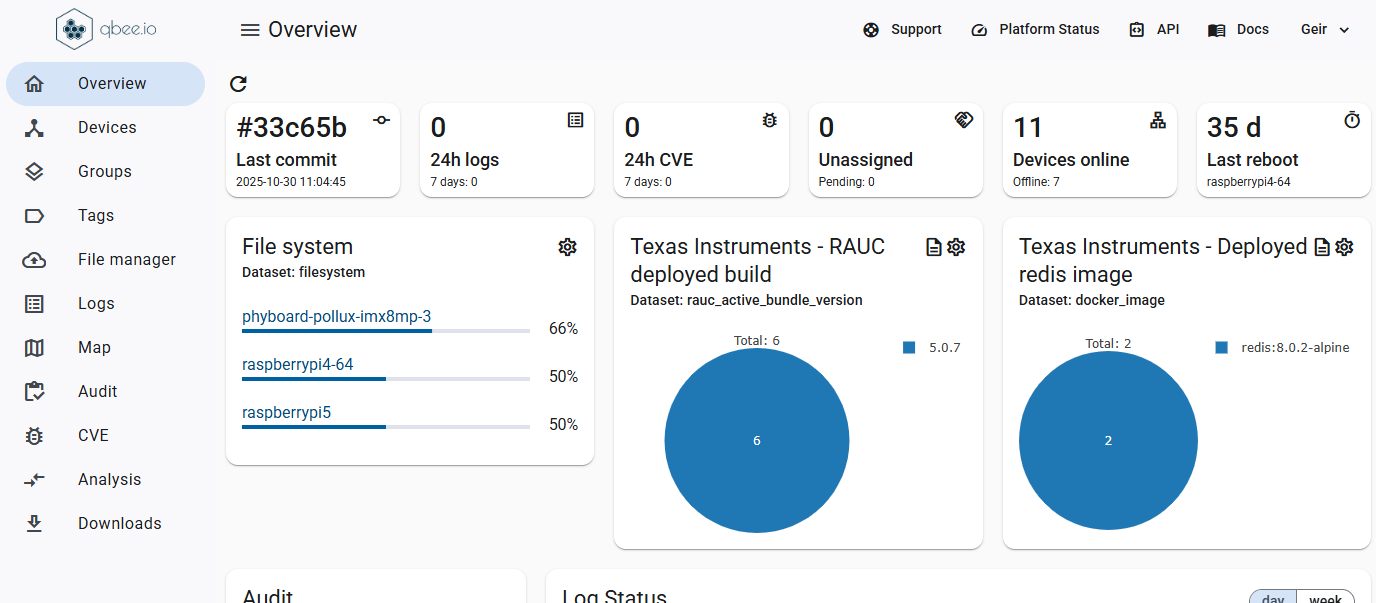

qbee integrates with Ansible through the qbee-cli tool, enabling secure SSH access to device fleets via port forwarding. The integration includes qbee-devices-ansible.py for automatic Ansible inventory generation based on qbee device groups or tags.
Generate Ansible inventory files using one of two methods:
qbee-cli devices list --json --limit <n> | python3 qbee-devices-ansible.py --by-groups > ansible_inventory.ymlqbee-cli devices list --json --limit <n> | python3 qbee-devices-ansible.py --by-tags > ansible_inventory.ymlThe tool generates YAML inventory files with the following structure:
example_tag_1:
  hosts:
    636f6e04f254592cc99a7324f2ba07f2abe3755d5f5c4fd941379c6e5094afd5:
      ansible_ssh_common_args: -o StrictHostKeyChecking=no -o ProxyCommand="qbee-cli
        connect -d 636f6e04f254592cc99a7324f2ba07f2abe3755d5f5c4fd941379c6e5094afd5
-t stdio:localhost:22"Sample playbook for reading MOTD from RaspberryPi devices:
---
- name:
  gather_facts: false
  hosts: example_tag_1
  tasks:
    - name: get motd
      ansible.builtin.command: cat /etc/motd
      register: mymotd
    - name: debug motd
      debug:
        msg: "This is my motd: {{ mymotd }}"
Execute the playbook:
ansible-playbook -i ansible_inventory.yml --user pi ansible_playbook.yml